Don't mess with my email

One thing we tell clients is that people consider their mailbox a very personal space. They’re offended when people invade that personal space without permission, sometimes to an extent that doesn’t seem proportional to the scale of the offense. And we advise senders who have been invited into the inbox to treat it with respect.
Google don’t seem to realize that.
Today, they replaced one of the two “Send Mail” buttons (and the associated key sequence that people have in their finger memory) with one that silently attached a Minions mic-drop gif to the mail, and then hid any future replies to that mail thread. Quite apart from the fact that people use their gmail accounts for professional communications, this is also sabotaging what many people consider their most personal online space. (And, to make it worse, they had a bug such that sometimes the gif would also be added to mail using the other “Send Mail” button).
There’s No Way This Could Go Horribly Wrong.
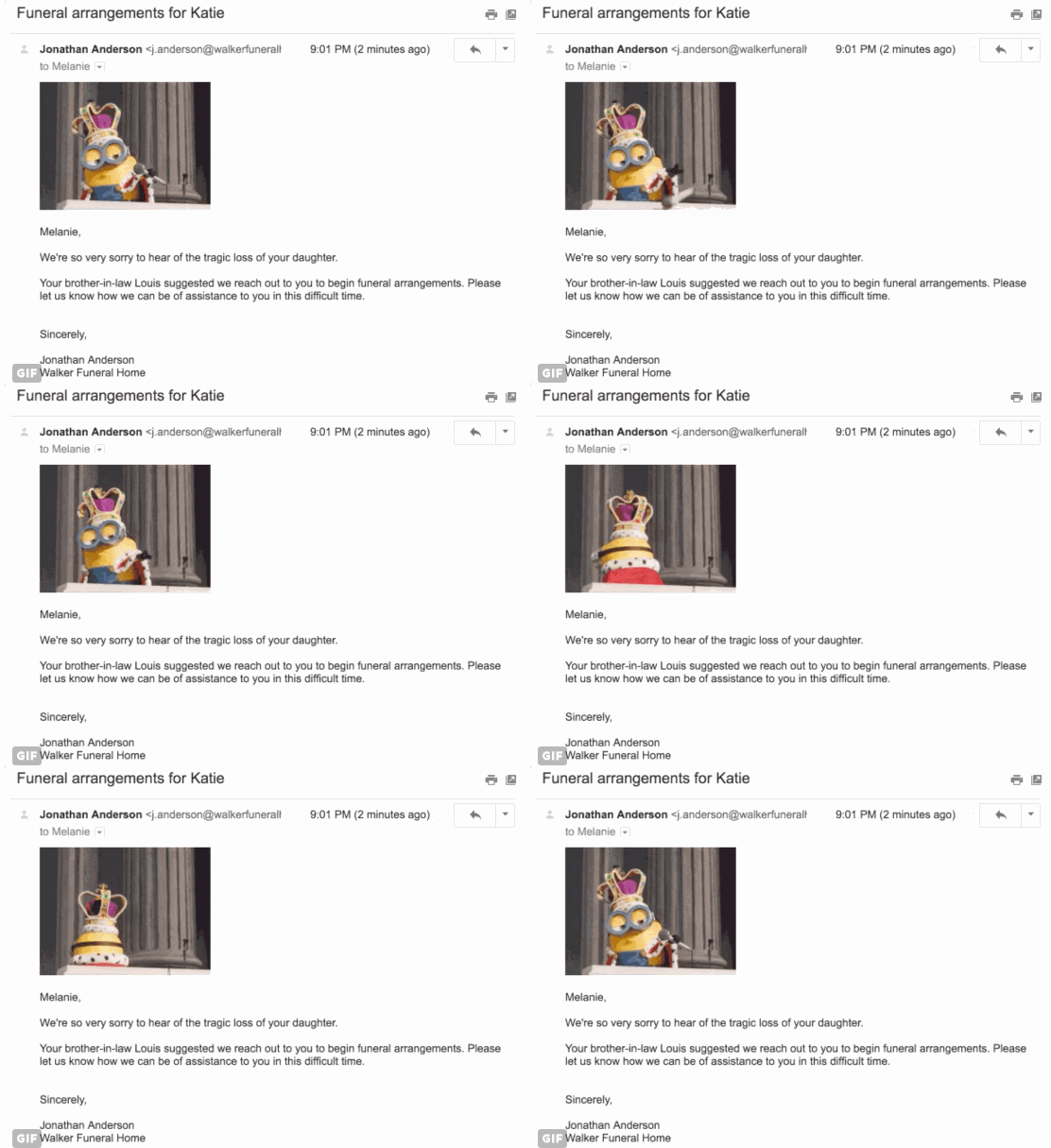
drop
People were very, very unamused. Google had already pulled the feature by the time I heard about it this morning.
Never take peoples’ mailboxes for granted. Never.

Related Posts

Filter complexity

URLBlockingForBlogDuring the Q&A last week, I mentioned an example of a type of filter trying to demonstrate how complex the filters are. There was some confusion about what I was saying, so I thought I’d write a blog post explaining this.

Read More

Google Postmaster Tools

Earlier this month Google announced a new set of tools for senders at their Postmaster Tools site. To get into the site you need to login to Google, but they also have a handy support page that doesn’t require a login for folks who want to see what the page is about.
We did register, but don’t send enough mail to get any data back from Google. However, the nice folks at SendGrid were kind enough to share their experiences with me and show me what the site looked like with real data, when I spoke at their recent customer meeting.
Who can register?
Anyone can register for Google Postmaster tools. All you need is the domain authenticated by DKIM (the d= value) or by SPF (the Return Path value).
Who can see data?
Google is only sharing data with trusted domains and only if a minimum volume is sent from those domains. They don’t describe what a trusted domain is, but I expect the criteria include a domain with some history (no brand new domains) and a reasonable track record (some or all of the mail is good).
For ESPs who want to monitor all the mail they send, every mail needs to be signed with a common d= domain. Individual customers that want their own d= can do so. These customers can register for their own access to just their mail.
ESPs that want to do this need to sign with the common key first, and then with the customer’s more selective key.
How does it work?
Google collects data from DKIM and/or SPF authenticated mail, aggregates it and presents it to a Google user that has authenticated the domain.
How do I authenticate?

Read More

Thanks for the great session

I had a great time answering questions at the 2015 All About eMail Virtual Conference & Expo today. Thanks so much to everyone who participated and asked questions. They were great and I’m sorry we didn’t have more time.
I did get some questions on twitter (@wise_laura) afterwards. One was about an example I gave to explain how filters are complex. There have been rumors going around recently that Gmail is filtering mail with more than 3 URLs in it. Let me just say right now THIS IS NOT TRUE emails with more than 3 URLs in them are being delivered just fine to Gmail.
There is a situation involving the number (and type) of URLs that I think are a useful example of the filter complexity happening at some places, like Gmail. I started working on it, but don’t quite have time to finish it today, but will keep working on and it should go up in the next day or so.
Thanks again to everyone who joined the session. You asked some great questions and I had fun answering them.
 

Read More